Category: WordPress Repair Guide
Straightforward WordPress repair tutorials for people who want to understand the problem, try the sensible checks, and know when it is time to hand it off.
-
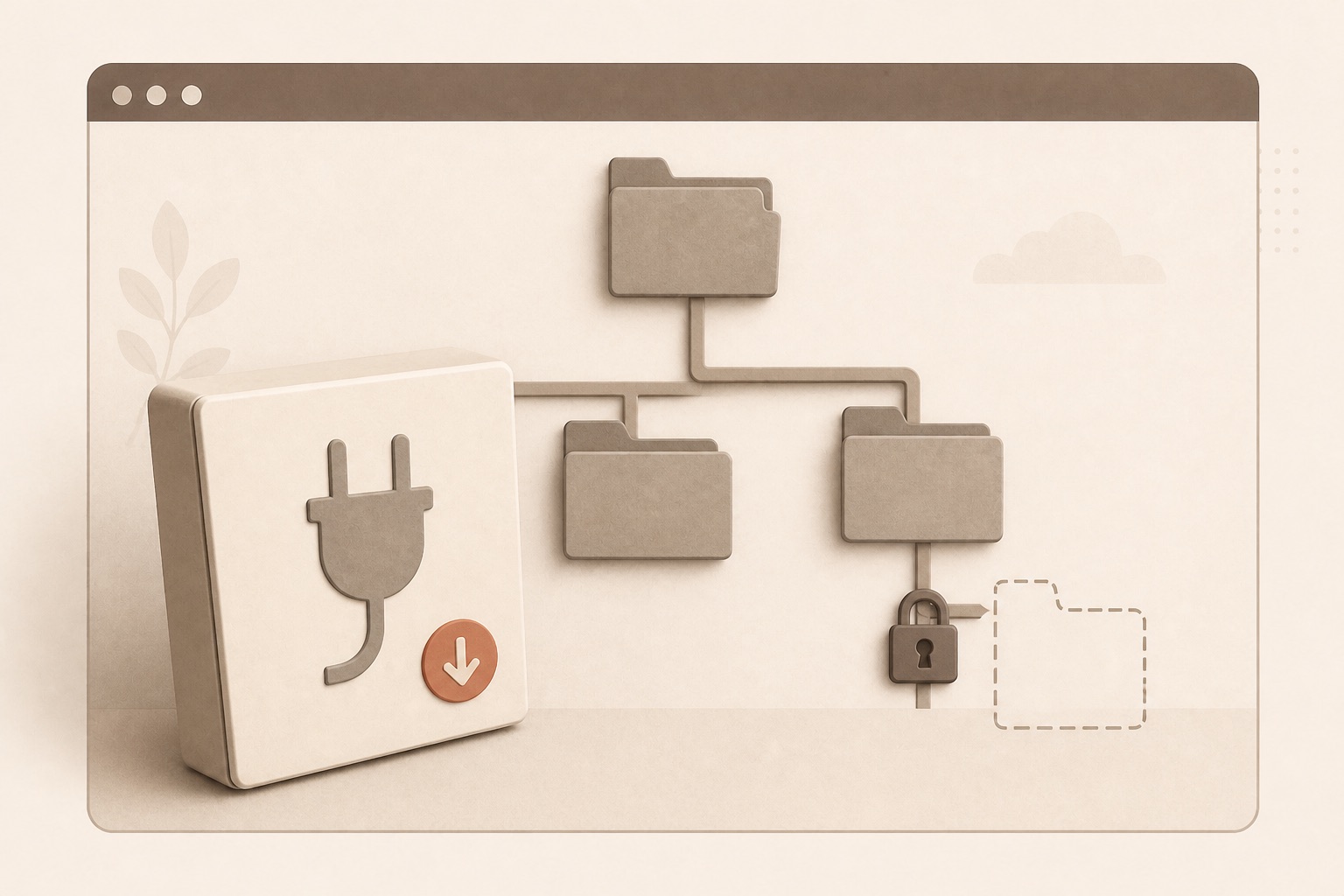
How to Fix “Could Not Create Directory” in WordPress
WordPress cannot install or update a plugin or theme because it “could not create directory.”
-
WordPress Stuck in Maintenance Mode
The website continues to display “Briefly unavailable for scheduled maintenance” after updates should have finished.
-
WordPress Site Broke After a Plugin Update
Immediately after a plugin update, the layout, dashboard, checkout, form, or entire website stopped working correctly.
-
WordPress Blank White Screen
The website or dashboard shows a completely blank white page with no visible error.
-

There Has Been a Critical Error on This Website
The public site, WordPress dashboard, or one section displays WordPress’s critical-error message instead of the expected page.
-
WordPress Upload File Too Large
WordPress rejects a theme, plugin, image, PDF, audio, video, or import because it exceeds the upload limit.
-

Missing a Temporary Folder
WordPress reports “Missing a temporary folder” when uploading or installing a file.
-
Failed to Write File to Disk
WordPress reports “Failed to write file to disk” while uploading media, plugins, themes, or updates.
-

WordPress Images Will Not Upload
Image uploads fail, stall, return a generic error, or create an unusable attachment.
-

WordPress Media Library Blank or Spinning
The Media Library grid stays blank, spins indefinitely, or fails to load existing images.